


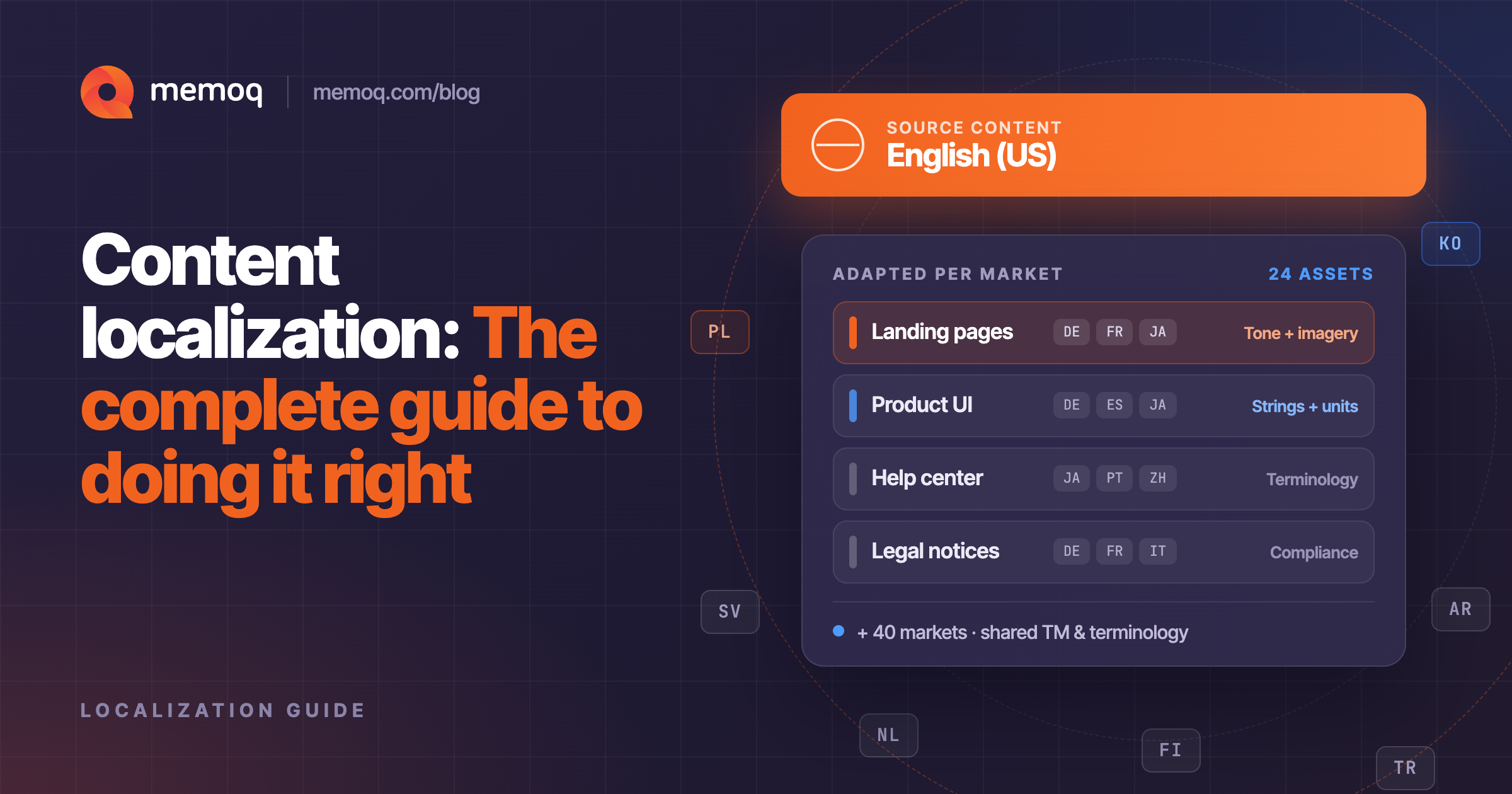
Content localization is the process of adapting content, such as text, images, product information, and UI, so that it feels native to a specific market rather than simply translated into its language. It goes beyond content translation by adjusting tone, cultural references, formatting, currency, imagery, and even legal requirements for each locale. Companies apply it to marketing content and to product localization alike, typically using a mix of translation memory, terminology management, and AI-assisted workflows to keep quality high without slowing teams down.
If you've ever landed on a website that was clearly translated but not localized (clunky phrasing, wrong date formats, a hero image that means nothing to your culture), you already understand why this distinction matters. Global buyers notice. According to CSA Research, 76% of consumers prefer to buy products with information in their own language, and 40% say they will never buy from a website in another language. Localization isn't a nice-to-have for global growth. It's the entry ticket.
Content localization vs. content translation: What's the difference?
This is one of the most common questions teams ask when they start expanding into new markets, so let's answer it directly.
Content translation converts words from one language into another. It's linguistically accurate, but it's a narrower task. The goal is fidelity to the source text.
Content localization is broader. It adapts the entire experience: idioms, humor, color symbolism, measurement units, legal disclaimers, product names, images, and even layout (some languages simply need more space than others). A translated sentence can be grammatically perfect and still feel foreign. A localized sentence feels like it was written for that market from the start.
In practice, most businesses need both. Translation is a component of localization, not a replacement for it.
What is product localization?
Product localization applies this same logic to the products themselves: software interfaces, e-commerce listings, in-app text, packaging, help documentation, and onboarding flows. It's the difference between a product that's merely available in a market and one that's genuinely usable there.
Product localization typically touches:
- UI and UX strings: buttons, menus, error messages, tooltips
- Product descriptions and specs: adapted for local search behavior and buying habits, not just translated word for word
- Legal and compliance content: terms of service, privacy notices, safety labeling
- Units, currencies, and formats: dates, addresses, sizing, payment methods
Done well, product localization reduces support tickets, improves activation rates, and builds the kind of trust that turns first-time users into long-term customers.
Content localization best practices
Here's what consistently separates localization programs that scale from ones that stall:
- Build a translation memory and terminology base from day one. Every sentence and term translated once should never need to be translated or debated again. This is the single biggest driver of both consistency and cost savings over time.
- Localize source content before you translate it. If your source copy is full of idioms, regional humor, or culture-specific references, fix that first. It's far cheaper to adjust the source once than to work around it in twenty languages.
- Match the workflow to the content type. Marketing copy, product UI, and legal text all have different risk tolerances and turnaround needs. Route them differently instead of treating every piece of content the same way.
- Use AI to accelerate, not replace, human judgment. Machine translation and AI drafting are excellent for speed and first drafts. Human linguists remain essential for brand voice, nuance, and anything customer-facing or high stakes.
- Automate the boring parts. File handling, content pulls from your CMS, and repetitive QA checks should run through integrations and automation, not by someone manually emailing files back and forth.
- Review in context. A string that reads fine in a spreadsheet can break entirely once it's inside an actual screen or page layout. In-context review catches what isolated text review misses.
- Measure quality consistently. Use standardized QA checks (terminology, consistency, formatting, completeness) across all content types and languages, so quality doesn't depend on which linguist happened to work on which file.
A translation management system like memoQ brings translation memory, terminology management, and AI-assisted translation together in one place so your team can localize content and products without juggling a dozen disconnected tools. See how memoQ fits into your workflow.
Frequently asked questions
No. Translation converts language. Localization adapts the full experience: tone, culture, formatting, and design, for a specific market. Translation is one part of localization, not the whole process.
Product localization is the adaptation of a product itself, its interface, descriptions, documentation, and legal content, so that it works and feels native for users in a specific market, not just translated but genuinely usable there.
AI speeds up first drafts and applies translation memory and terminology consistently across content. It's best used to accelerate volume and turnaround, with human reviewers handling brand voice, nuance, and quality assurance.
Start with a centralized translation memory and terminology base, pick a translation management system that connects to your existing content tools through integrations, and build workflows that route different content types (marketing, product, legal) appropriately based on risk and turnaround needs.

Dorka Berecz
Dorka is a Content and Digital Marketing Specialist at memoQ, writing about language technology for a global translation audience. She brings a storyteller's approach to technical topics, always curious about language and culture.