

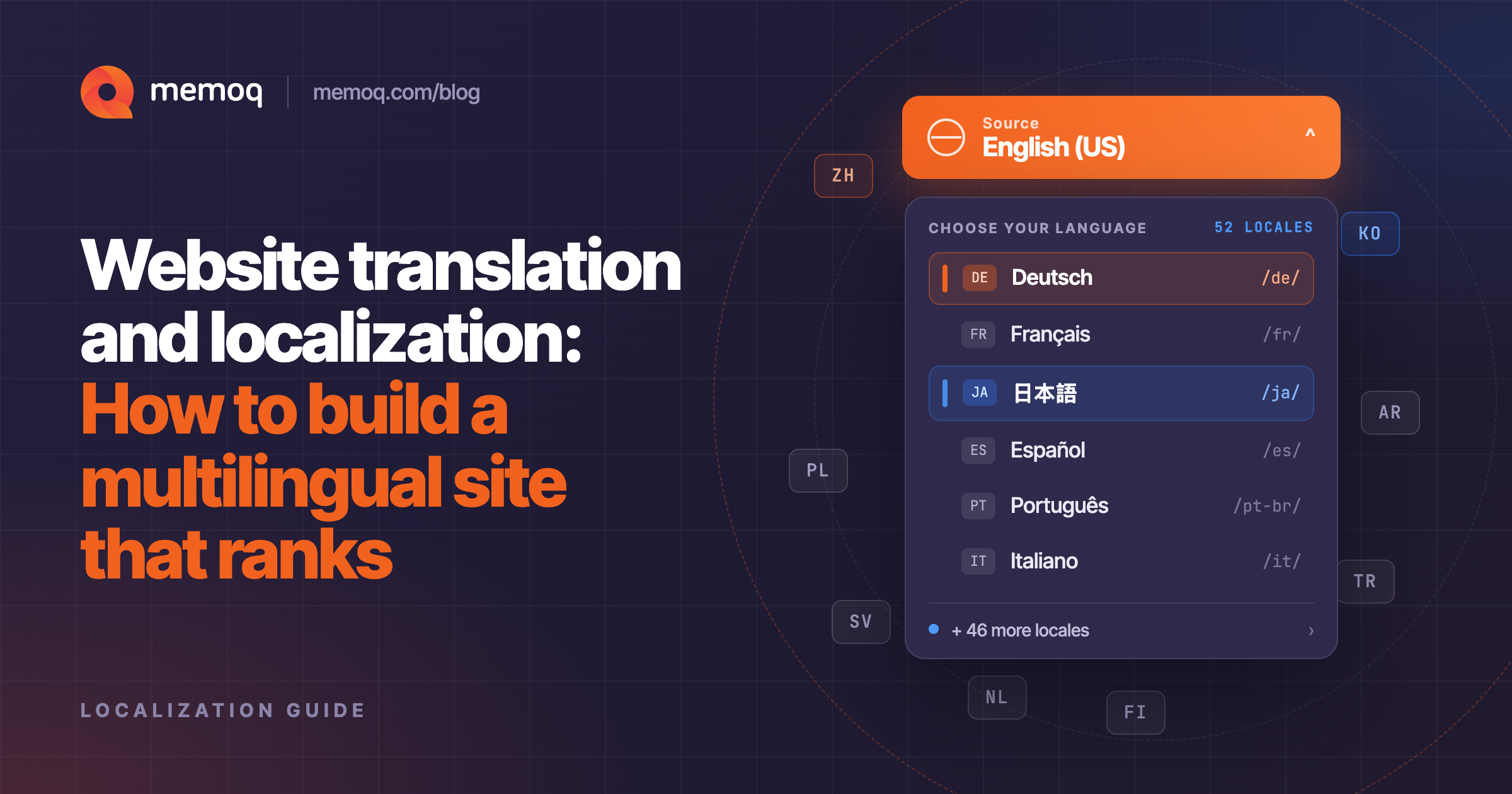
When a company goes global, a multilingual website is the first bottleneck. Product pages, help centers, legal notices, and campaign landing pages must exist in every market, stay in sync when the source changes, and rank in local search.
Website translation is just the visible part of the process. This guide covers the rest: how localization differs from translation, how to do multilingual search engine optimization (SEO), how to test the result, and what to look for in a website translation platform.
Website localization vs. translation: What is the difference?
Website translation converts your site’s text: page copy and metadata, navigation, buttons, forms, into another language. It sounds like a content task but is largely a technical one, since that text lives in a content management system (CMS), in code, and in third-party widgets rather than in tidy documents.
This is one of the most common questions teams ask when they start expanding into new markets, so let's answer it directly.
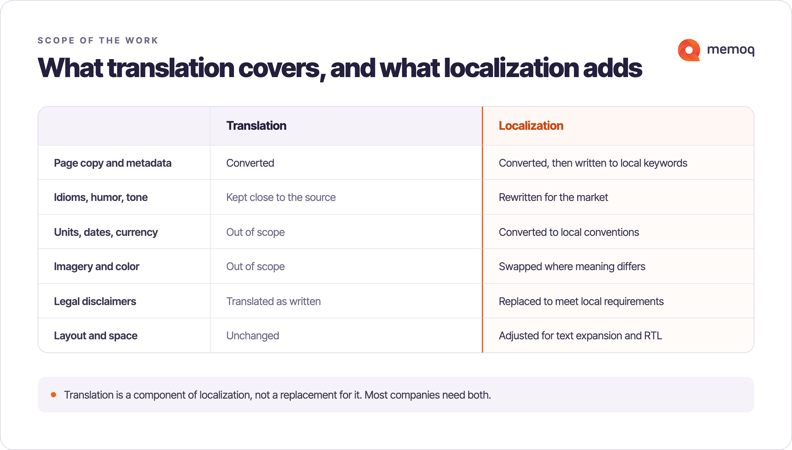
Content translation converts words from one language into another. It's linguistically accurate, but it's a narrower task. The goal is fidelity to the source text.
Content localization is broader. It adapts the entire experience: idioms, humor, color symbolism, measurement units, legal disclaimers, product names, images, and even layout (some languages simply need more space than others). A translated sentence can be grammatically perfect and still feel foreign. A localized sentence feels like it was written for that market from the start.
In practice, most businesses need both. Translation is a component of localization, not a replacement for it.
How to do multilingual SEO
CSA Research has consistently shown that buyers strongly prefer to purchase in their own language, and many won’t buy from an English-only site. It’s important to note that a translated page no one finds does not deliver any returns. This is where multilingual SEO comes in.
Website translation SEO is not a step you perform after translating. Keyword decisions shape the copy, so they must happen first.
1. Choose markets, then map languages
Spanish for Mexico is not the same as Spanish for Spain. Identify your target regions, then learn the dialects and terminology that native speakers actually use for your product category, which often differ from the literal translation of your English term.
2. Research keywords natively
Translating the English keyword list gives you words that are correct but commercially irrelevant. Volume, competition, and phrasing all differ by market, and the highest-volume variant is frequently one you’d never have guessed. Research in-market, then write to those keywords, which often means restructuring sections rather than simply translating them.
3. Localize, don’t just translate
Write for the search engine but never at it. Also check where each engine matters most: Baidu leads in mainland China, Yandex in Russia, Naver holds a significant share in South Korea, and each has its own unique ranking behavior.
4. Get the technical foundations right
- Language selector: Needs to be easy to find, with language names in their own native script. There is a preference for names over flags since flags represent countries, not languages. Geolocation defaults are fine if users can override them.
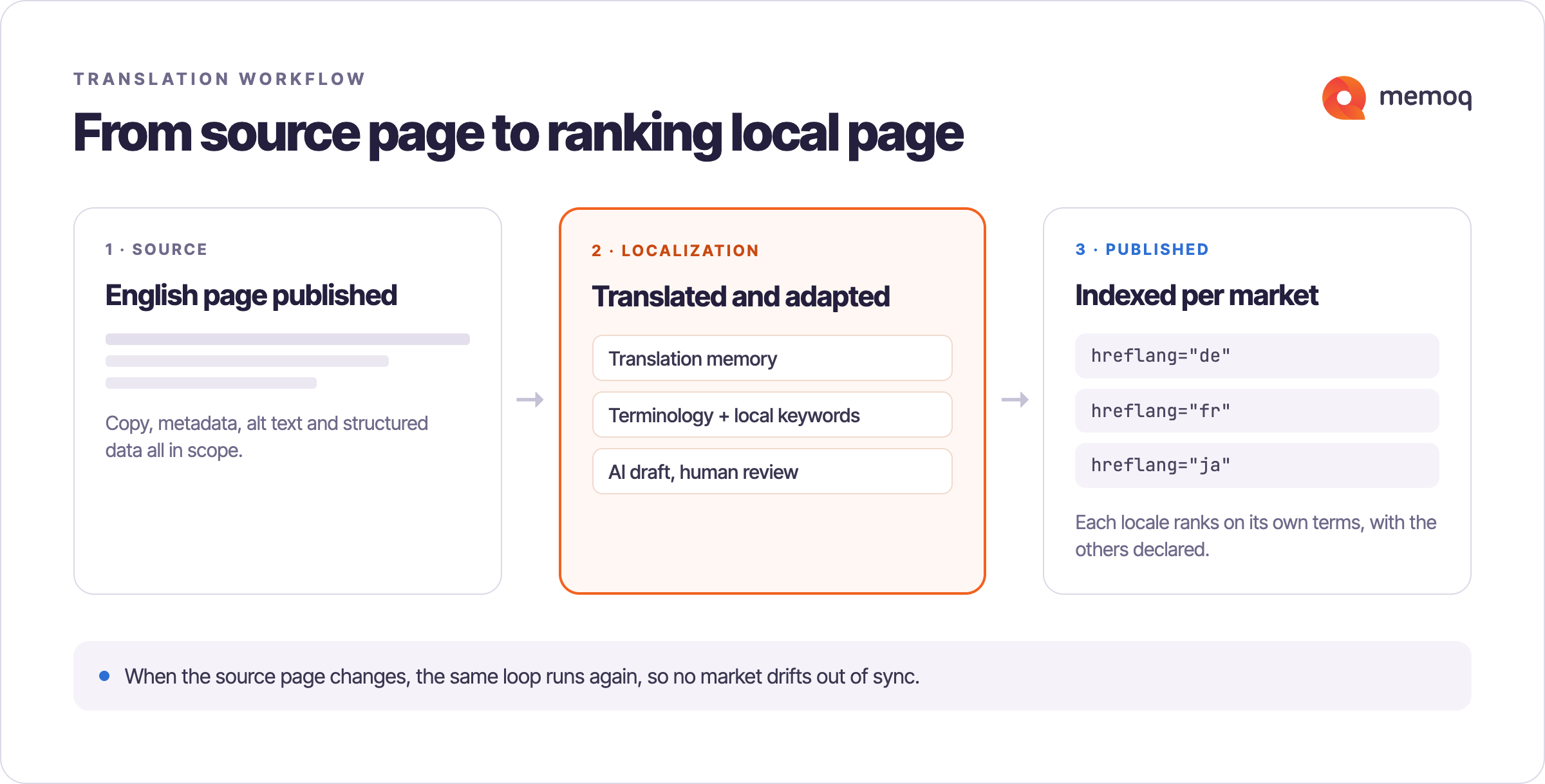
- hreflang: Tells search engines which version to serve to which audience, and prevents your language versions from competing with each other. Two rules that prevent most problems are that annotations must be reciprocal (every page references every other, including itself), and that every set must include an x-default.
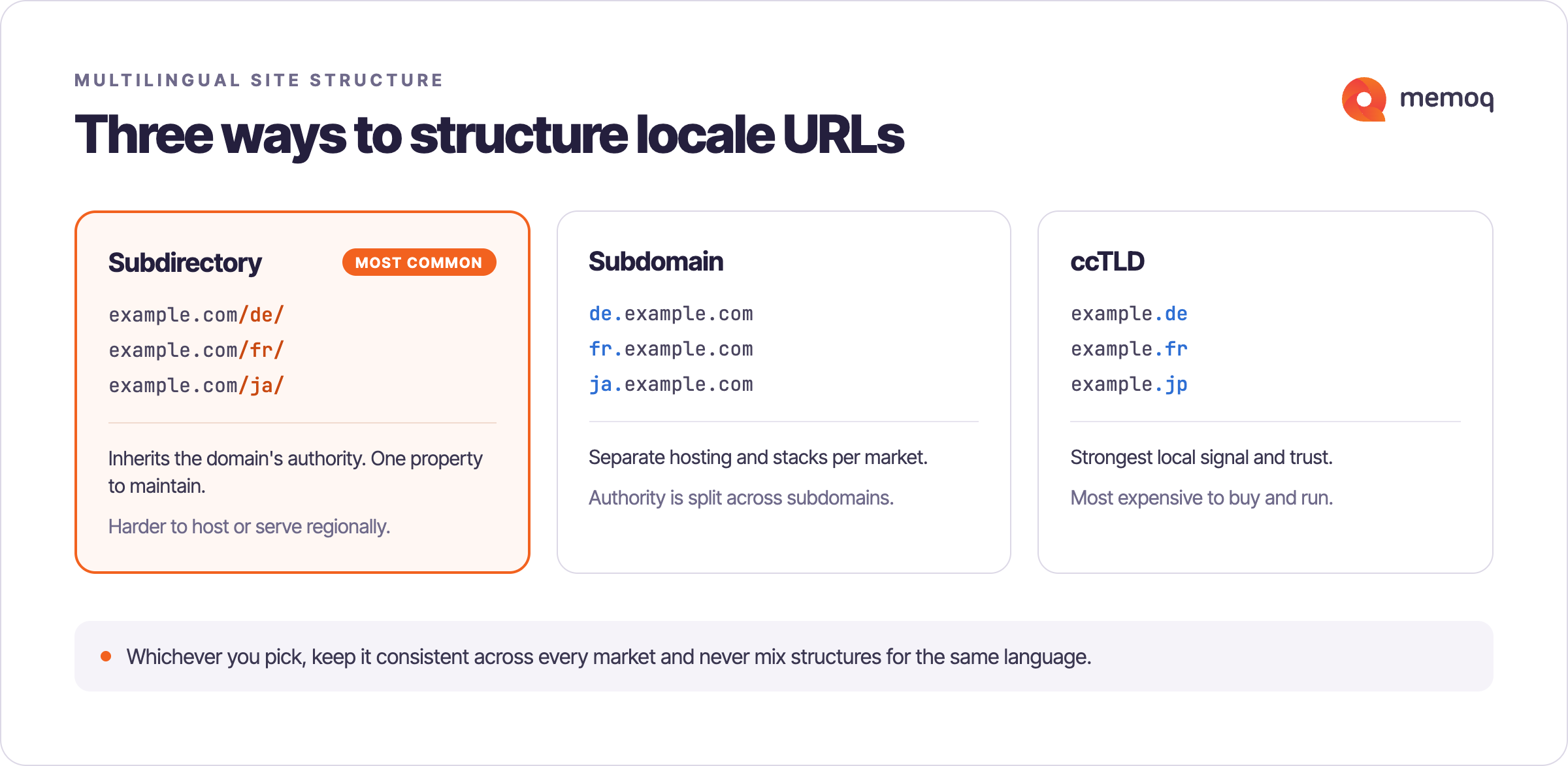
- URL structure: Subdirectories (example.com/de/) suit most companies. They are simple to maintain, and they inherit your domain authority. Country-code domains send the strongest local signal but need authority built separately. Localize the slugs themselves either way.
- Metadata is content: Localize title tags, meta descriptions, alt text, Open Graph tags, structured data, and sitemaps. Check that your robots directives aren’t blocking new language folders, a common cause of "our translated pages never get indexed.
How website translation works in practice
Keeping translations current on a live site needs a repeatable process:
- Connect the source: Link your CMS or repository so content flows automatically instead of via manual export.
- Reuse what you have: A translation memory stores every approved segment and reapplies it. This matters on sites where the same boilerplate appears on hundreds of pages.
- Enforce terminology: Term bases keep product and brand vocabulary consistent across every page and translator.
- Apply artificial intelligence (AI) selectively: AI drafts high-volume, lower-risk content fast; marketing and legal pages still need human linguists.
- Review in context: Reviewers should see how text renders on the page, not as isolated segments.
- Publish and keep syncing: The system needs to detect what changed and route only the updated content.
How memoQ supports website localization
memoQ TMS gives teams one environment for multilingual website content at scale. Having translation memories means that recurring site copy is never paid for twice; term bases keep brand terminology consistent across every language, and connectors link memoQ to the systems where your content already lives.
For high-volume content, memoQ AGT applies generative AI that draws on your existing translation memories and terminology, producing drafts that already reflect your brand vocabulary, then routes them to human linguists since accuracy and tone matter most. As a SOC 2 Type 2 certified organization, memoQ keeps your content in a secure enterprise environment throughout.
See how memoQ fits your workflow. Get in touch.
Frequently asked questions